Register a developer user
For your developer to access the Developer Area, you must register them as a developer on the BTG Pactual Empresas platform through the User Management panel.
On the BTG Pactual Empresas portal home page, click your company's name and then User Management.
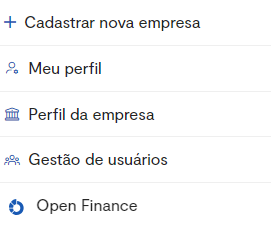
You will then see the following screen:
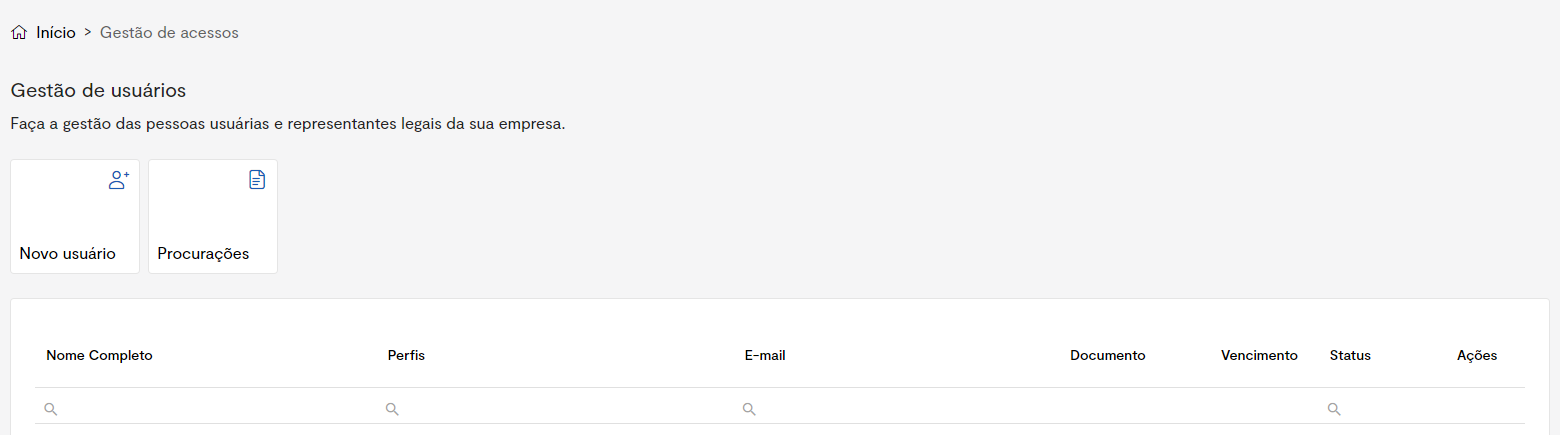
Add a new user
1 - To add a user, click New user. You will see:
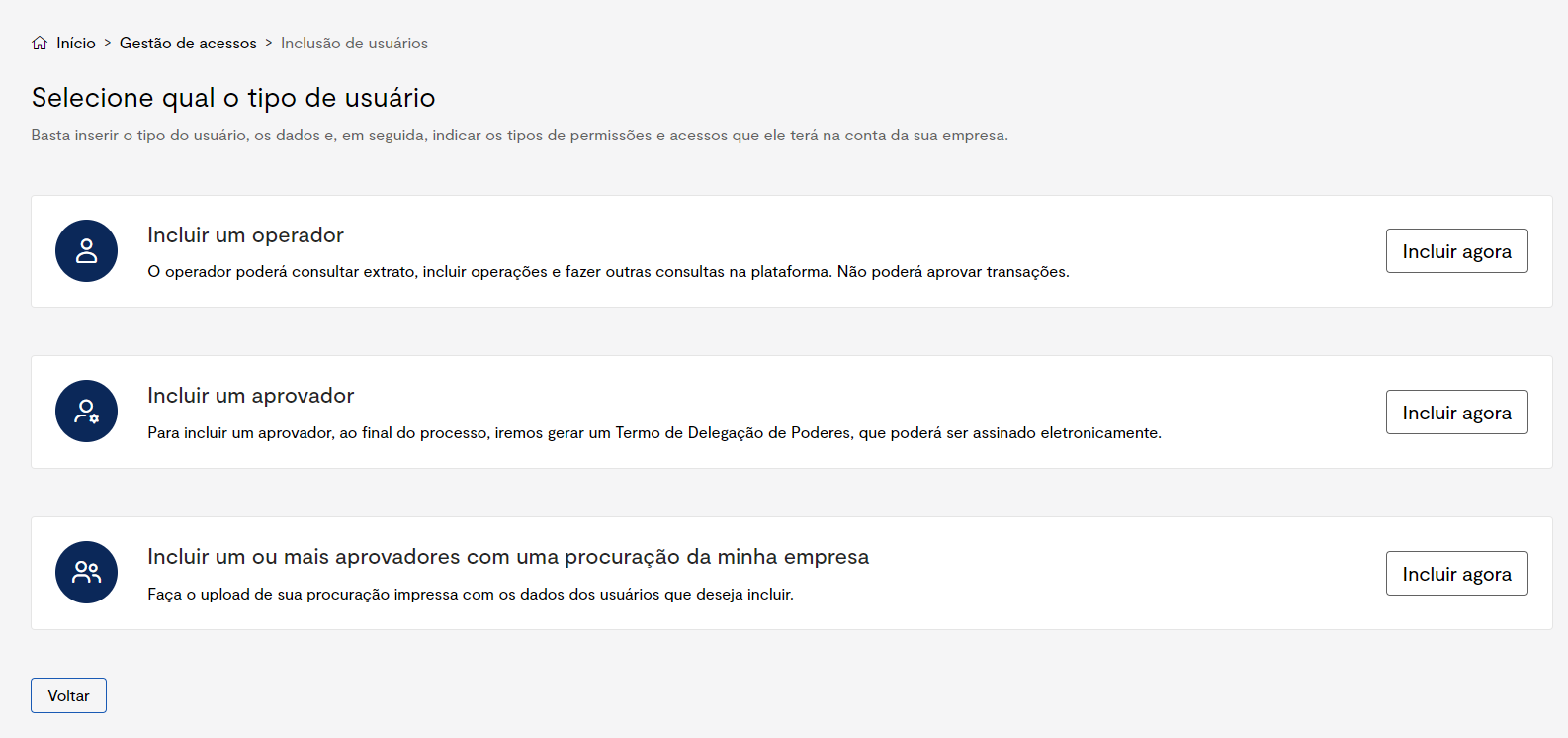
2 - Click "Add now" under the "Add an operator" category.

3 - Fill in the data of the user you want to grant a profile in the company.
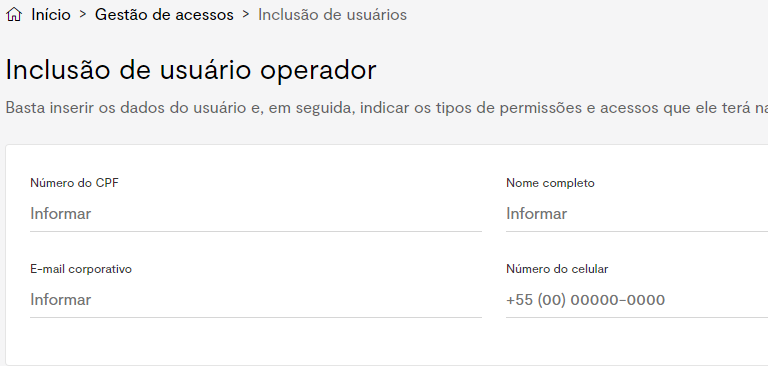
4 - Still on the same page, select the developer role and click continue:
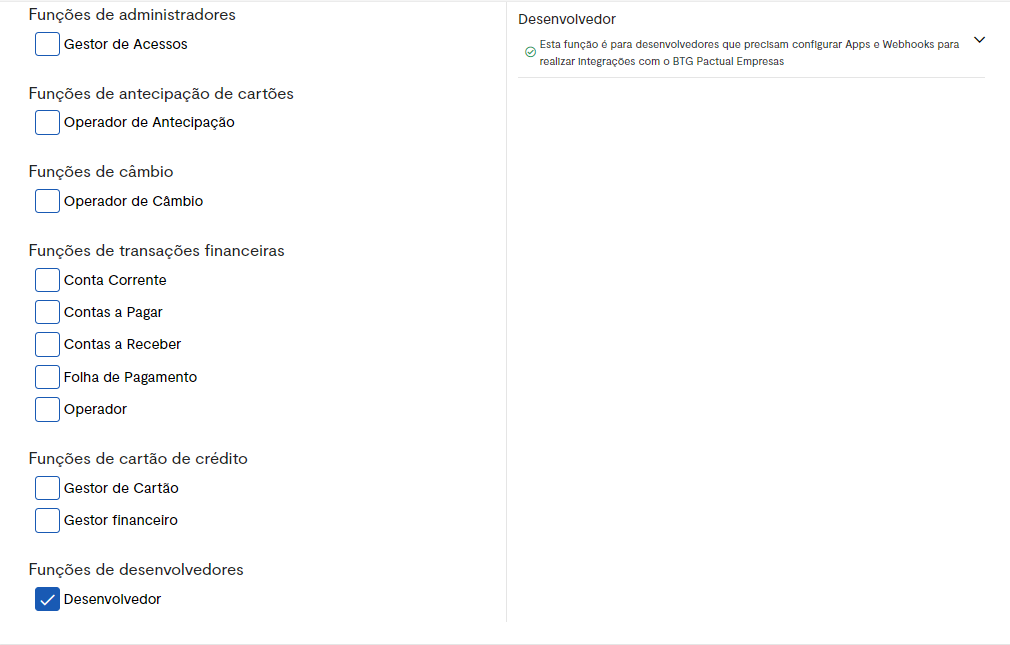
BTG Pactual Empresas application
After the invitation is sent, the invited user needs to download the BTG Pactual Empresas app on their phone and complete their registration there.
They will be asked for documents similar to those of a standard registration, in order to validate the accuracy of the data provided in the company registration.
The user will be asked to complete the biometrics step.
After that, the user goes through a brief review period and, once validated, will have their access according to the company registration.
Important: Only business account users can obtain information about how the company's integration works.